
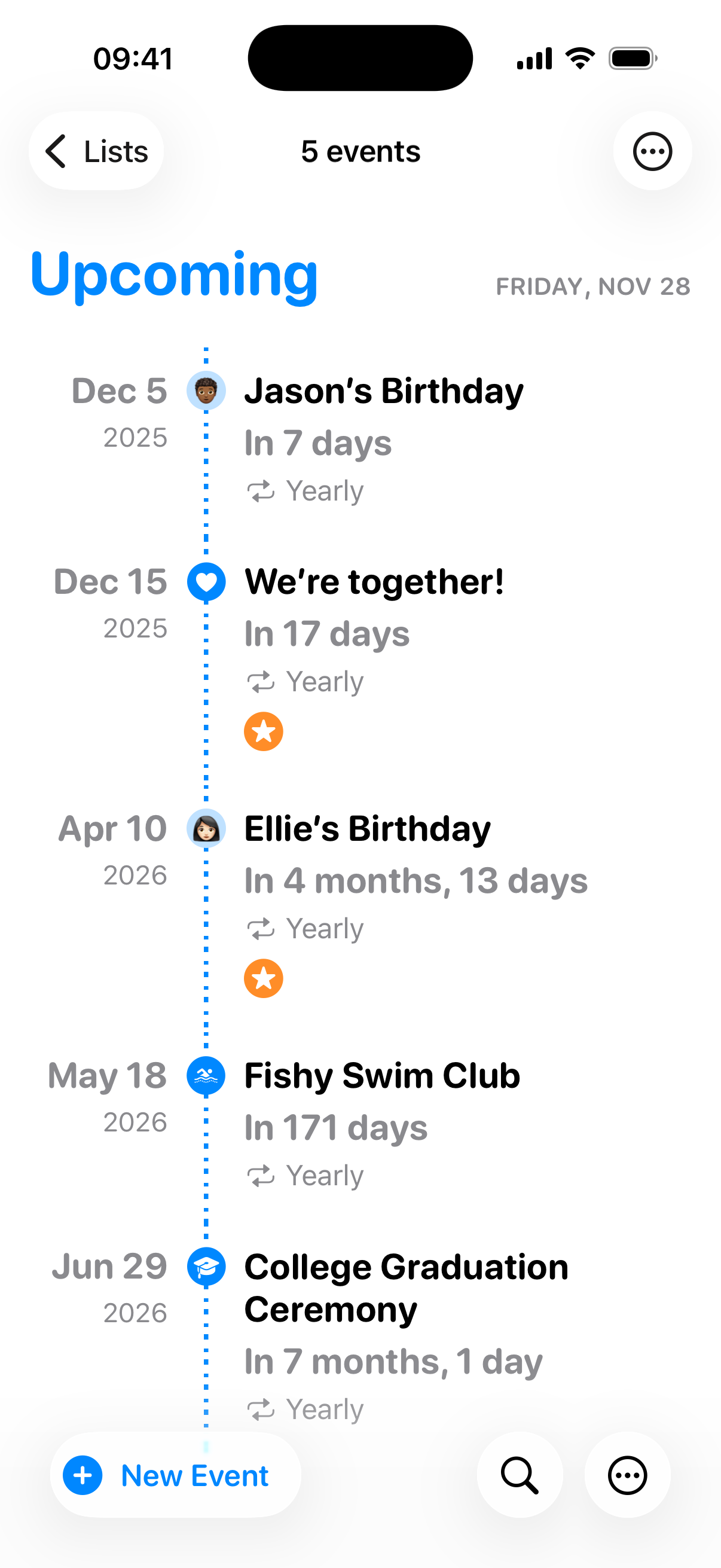



Every feature you need to manage your events.
Pinning is packed with features to help you organize and keep track of all your important events in one place.
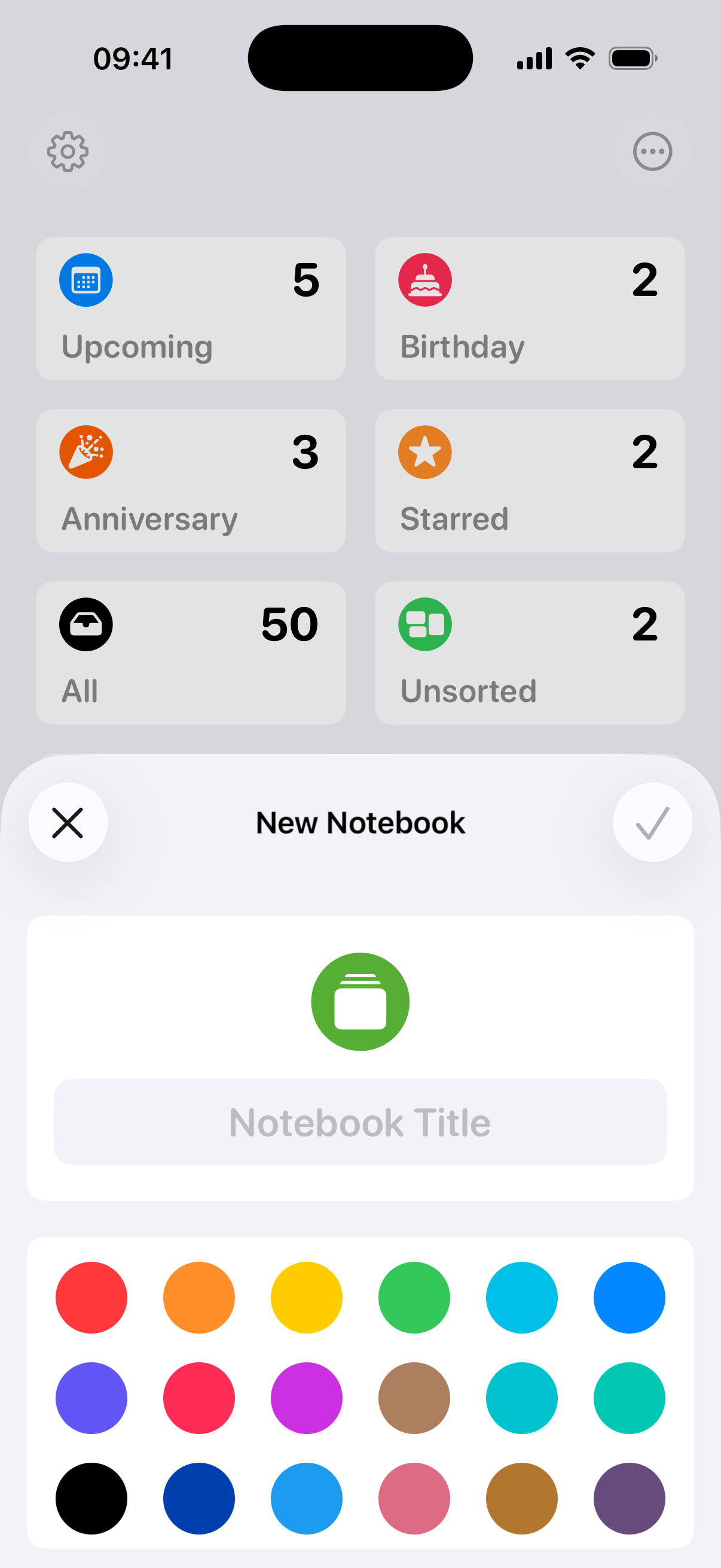

Built-in Lists & Notebooks
Pinning comes with serval built-in lists like “Birthdays” and “Anniversaries” to automatically organize your events. You can also create notebooks to catagorize events in your life.
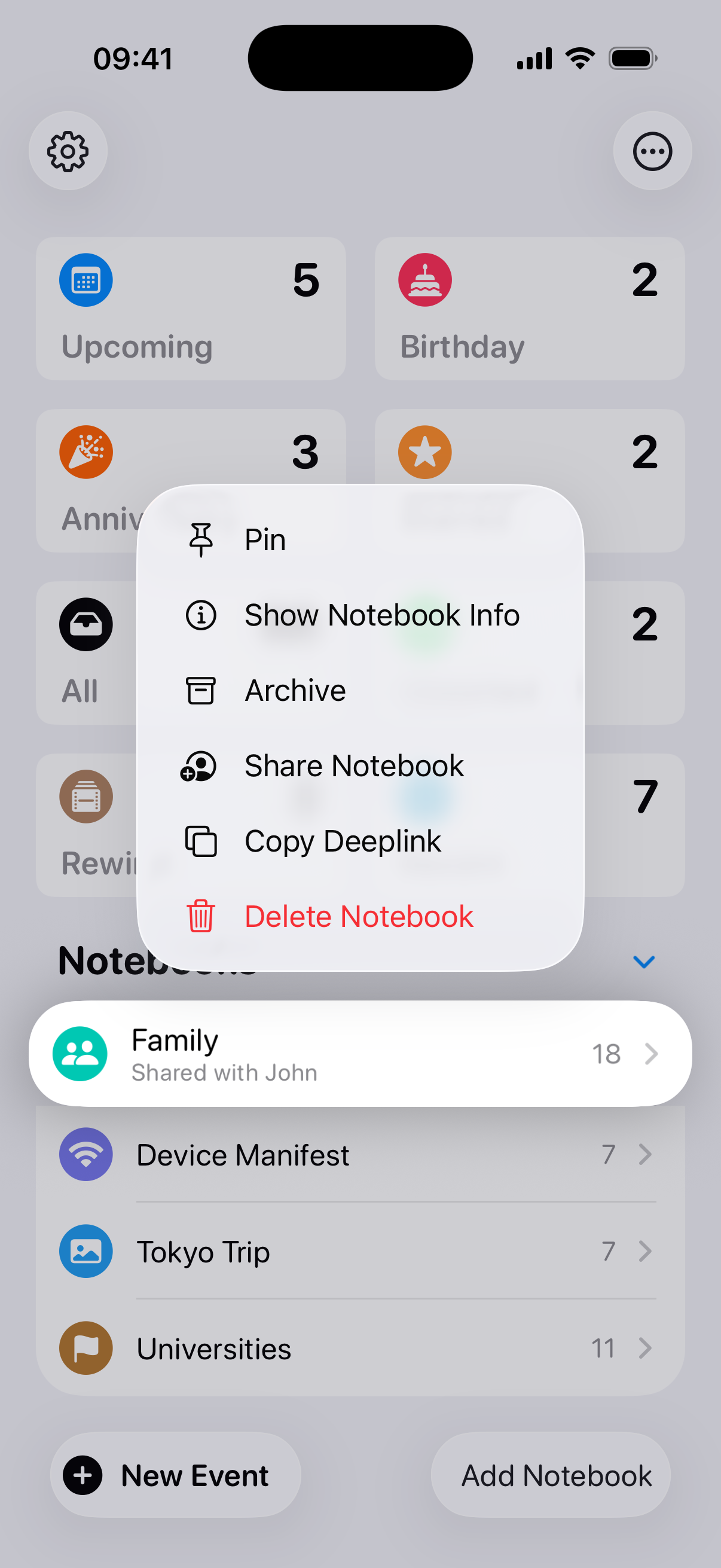
iCloud Sync & Collaboration
iCloud sync keeps your events up to date across all your devices. You can also share notebooks with friends and family so you can collaborate on important events together.

Widgets
Put upcoming events right on your home screen with our beautiful widgets. Choose from multiple sizes and styles to find the perfect fit for your device.
What more can you can do with Pinning?
Pinning is not just a regular countdown app to keep track of birthdays. It’s also a countdown app for your calendar events and schedueled reminders.
Sync Calendars
See how many days are left for your calendar events by showing your calendars in Pinning.
Sync Scheduled Reminders
Your schedueled reminders will also show up in Pinning so you never miss an important task.
List View
Easily view and manage all your countdown events in a convenient list format.
Customize Notebooks
You can put SF Symbol, Emojis, or custom images as your notebook icons.
Customize Events
Personalize your events with custom images, colors, and emojis to make them truly yours.
Shortcuts
Build custom shortcuts to create events faster than ever before.

What people are saying about Pinning
Pinning is built on user feedback. We love to hear from you.
Various plans for your preference.
Family Sharing is available for all plans.
 Monthly
$1.49
Give it a try and see how it works for you.
- Create unlimited events.
- Sync calendars.
- Show scheduled reminders.
Yearly
$11.99
Save 33% compared to the monthly plan.
- Create unlimited events.
- Sync calendars.
- Show scheduled reminders.
Lifetime
$19.99
Don’t like subscriptions? We got you covered.
- Create unlimited events.
- Sync calendars.
- Show scheduled reminders.
Frequently asked questions
If you have anything else you want to ask, reach out to us.
Do you offer free trial of Pinning Pro?
Yes! 7 days of free trial automatically starts when you open the app for the first time. You can try out all the features before deciding to purchase.
Do I need to pay for each kind of device I use Pinning on?
Nope! One purchase of Pinning Pro gets you access on iPhone, Mac, and Apple Watch.
How does Family Sharing work?
Hit the “Restore Purchase” button in the app on any of your family member’s device, and they will get access to Pinning Pro right away.